Enjoy THE Greenlight®money app & debit card for free✝
Join 6+ million parents and kids learning to earn, save, and spend wisely—together.

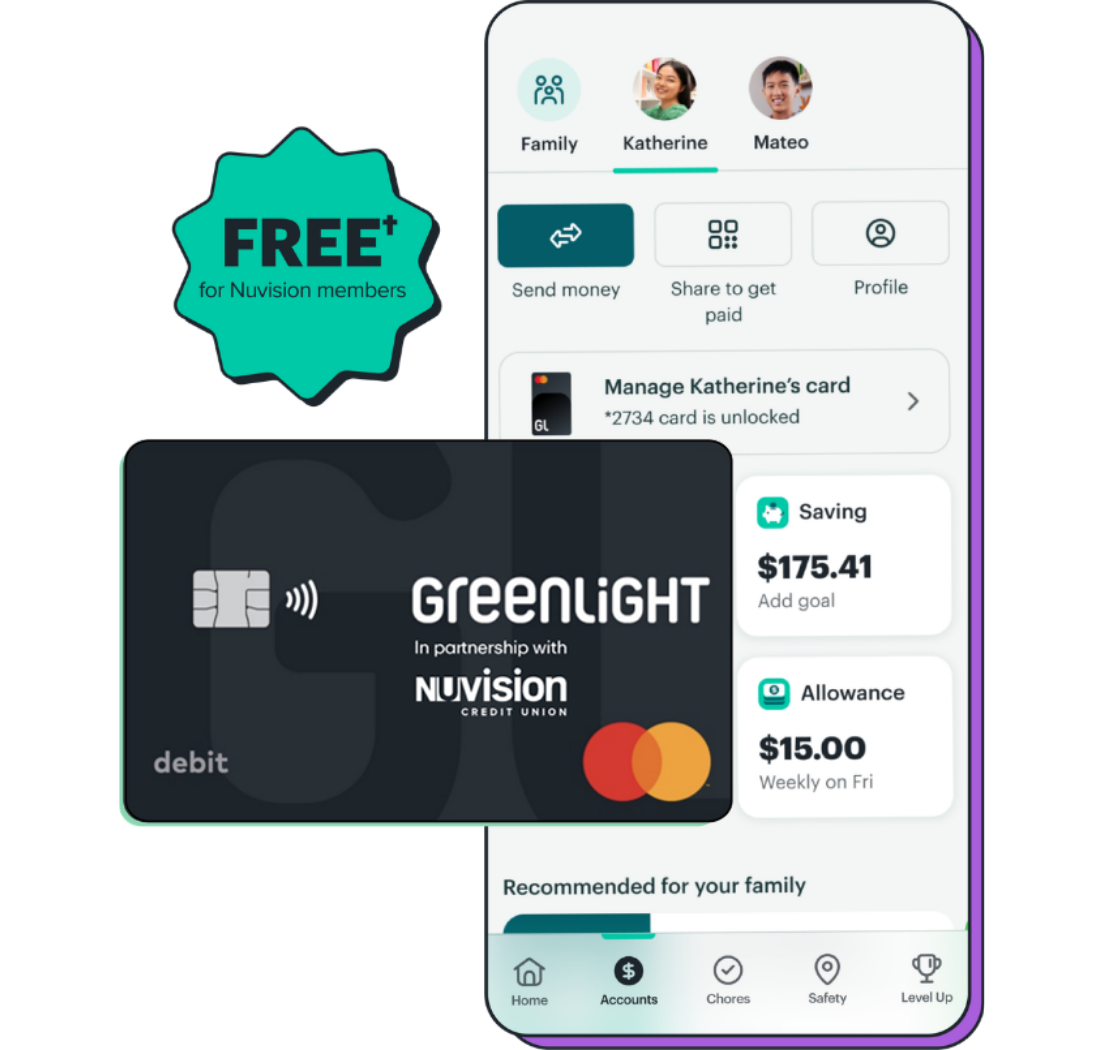
The All-in-One Money and Safety App for Families

Learn Smart Money Management

Automate Allowances for Chores

Create Savings Goals Together
A debit card for kids. And so much more.
Nuvision's commitment to supporting financial literacy just got even stronger with Greenlight. With debit cards for kids and teens, built-in money lessons, and safety and protection features, the Greenlight app helps families stay connected while building smart financial habits.
Money Management
Send money quickly, set flexible controls, and get real-time notifications.
Chores & Allowance
Assign chores and automate allowance— with the option to connect payouts to chore progress.
Savings Goals
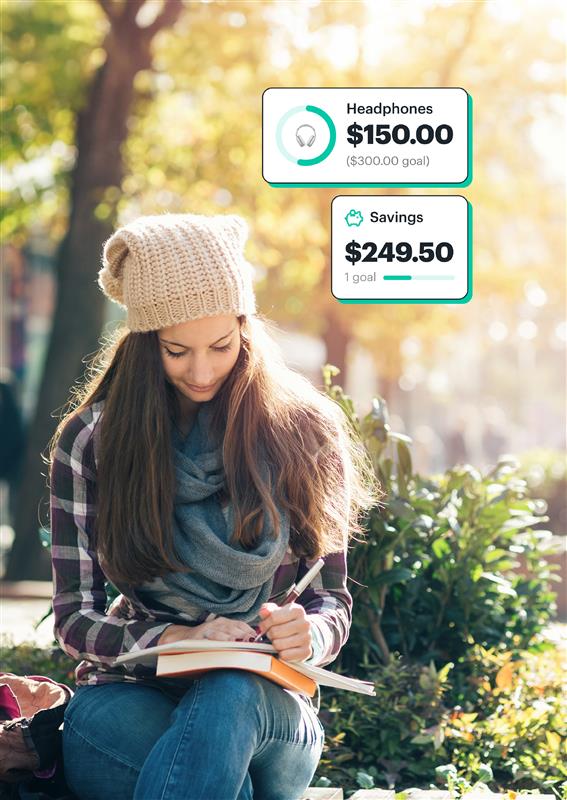
Set savings goals for what your kids really want — and watch them grow together.
Financial Literacy Game
Kids play Greenlight Level Up™, the game that makes money concepts easy to understand and fun to learn.

Get your free Greenlight subscription today.
Nuvision Credit Union members can get the debit card and money app for families for free through our partnership with Greenlight. A $69 annual value!
All you need is a Nuvision personal checking account to fund your Greenlight account.
Greenlight FAQs
Your subscription includes debit cards for up to 5 kids, quick money transfers, spending notifications, chores, automated allowance, the financial literacy game Level Up, and more.
If you're a Nuvision member, you can sign up for your free subscription within digital or mobile banking.
- Log in to Nuvision’s digital or mobile banking
- Locate and select the Greenlight widget under your account listing (mobile) or on the right-hand side (desktop)
- Follow the prompts to complete registration
- Once registration is complete, download the Greenlight App on your mobile device. If your child has a mobile device and you notated as such in the onboarding process, they will be invited via text message to download the Greenlight app.
- You will then see your family's Greenlight accounts within Mobile banking
Note: Greenlight is a mobile app experience. Functionality post-registration will not be available on a desktop computer.
As a Nuvision member, your Greenlight subscription is free.
A Nuvision personal checking account is required to fund your Greenlight account.
Greenlight works everywhere Mastercard® debit cards are accepted, online and in store — with the exception of unsafe categories. Teens 13+ can also link their card to Google Wallet™ or Apple Pay®.
The funds underlying your Card Account are FDIC-insured through Community Federal Savings Bank up to the applicable limits, currently $250,000 per account. Greenlight debit cards come with fraud protection through Mastercard’s Zero Liability Protection Policy— which means you’re not on the hook for unauthorized transactions.
Parents can send money, set controls, get notifications, and manage approvals. Greenlight grows with you, so all parent controls are flexible and can be turned off from the app.


